macOS AI overlay

apfel-quick

Press a key. Ask anything. Done.

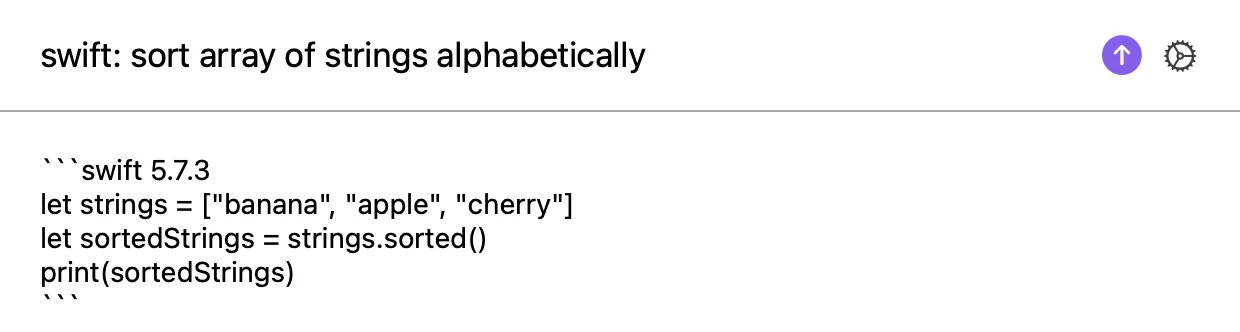
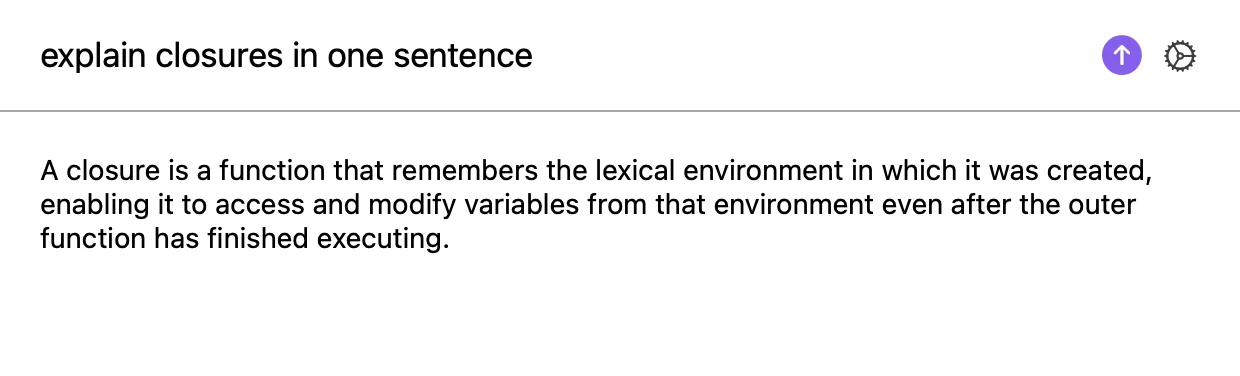
Instant AI overlay for macOS. Hit Ctrl+Space, type a prompt, press Enter. The streaming reply lands on screen and on your clipboard.

MIT Open Source macOS 26 Tahoe Apple Silicon 100% On-Device
How it works

Three keys to an answer.

No accounts. No keys. No setup. Just open the overlay and ask.

1

Press Ctrl Space

The overlay slides in from anywhere on your Mac. The hotkey is configurable.

2

Type your question

Ask anything. Draft a sentence. Translate a phrase. Explain a concept. Then press Enter.

3

Get the answer

The reply streams in real time and is auto-copied to your clipboard. Paste it anywhere.

Features

Small app. Big habit.

Built to disappear into your workflow. One hotkey, one prompt, instant answer.

Hotkey

Instant overlay

Global hotkey from any app. Default Ctrl+Space, fully configurable in settings.

Streaming

Real-time replies

Tokens arrive as the model generates. No waiting for the full response.

Clipboard

Auto-copy to clipboard

Every reply lands on your clipboard automatically. Paste it into the next app you touch.

Math

Local math calculator

Math expressions bypass the AI entirely. Computed locally and instantly. Always correct.

Menu Bar

Lives in the menu bar

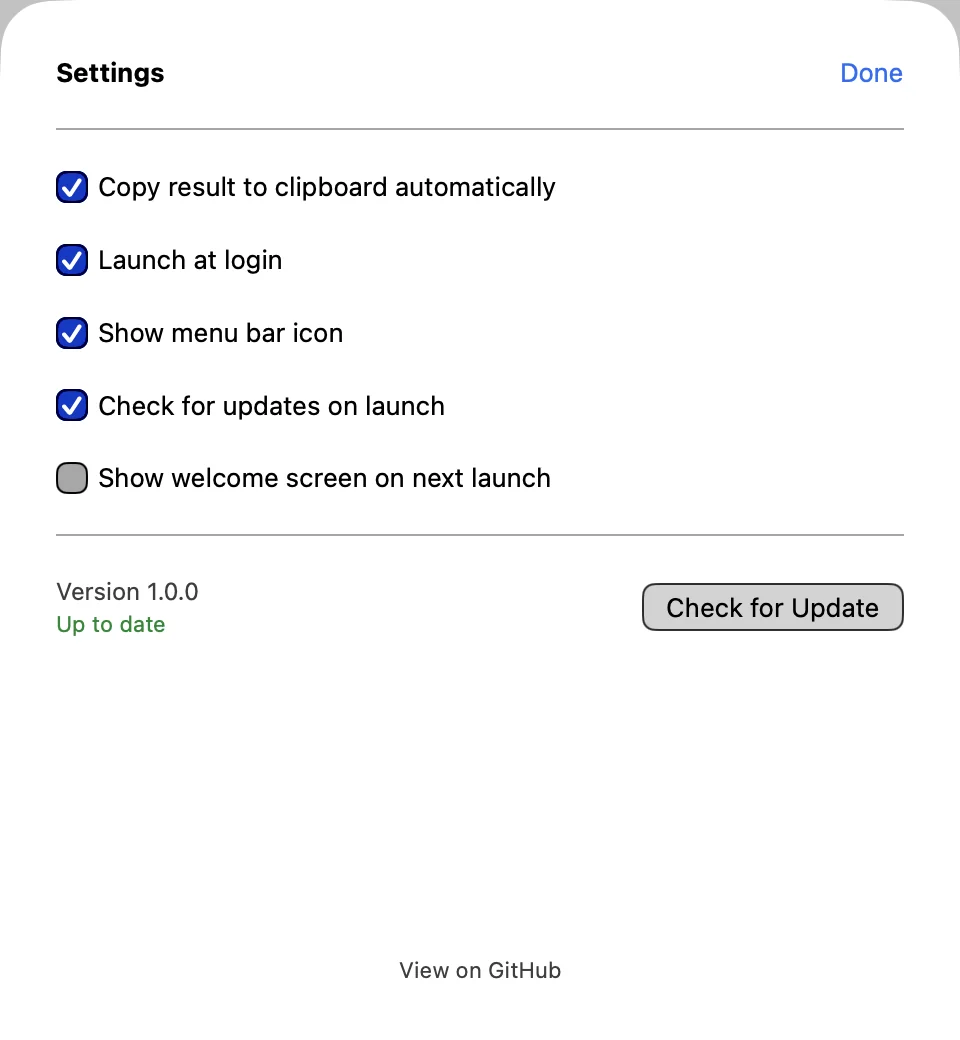
Tiny icon, no Dock clutter. Launch at login optional. Quick access to settings and updates.

Private

100% on-device

No API keys. No network calls. No data ever leaves your Mac. Open source under MIT.

Math shortcut

Numbers? No AI needed.

apfel-quick detects math expressions and computes them locally. Instant. Scientifically correct. Never hallucinated.

Try it

Type math, get the result

European decimal commas, parentheses, exponents, and scientific functions are all supported. The AI is bypassed entirely.

54,34*6-(435353) -435026.96

Operators: +   −   ×   ÷   ^   ( )  
Functions: sqrt, sin, cos, tan, log, ln, abs, floor, ceil, round  
Constants: pi, e   Decimals: both 1.5 and 1,5

Before you install

Requirements

apfel-quick uses the on-device foundation model on your Mac. You need all three.

macOS 26 (Tahoe)

Required for the on-device foundation model. Update via System Settings > Software Update.

Apple Silicon (M1 or later)

The on-device model runs on-chip only. About This Mac must show M1, M2, M3, or M4.

On-device AI enabled

Turn on the on-device foundation model in System Settings. Supports English, German, French, Spanish, and more.

apfel included. The download and Homebrew cask bundle apfel automatically. Nothing extra to install.
Install

Get apfel-quick

Free, signed, and notarised. Apple Silicon only. Pick your favourite way to install.

Download ZIP

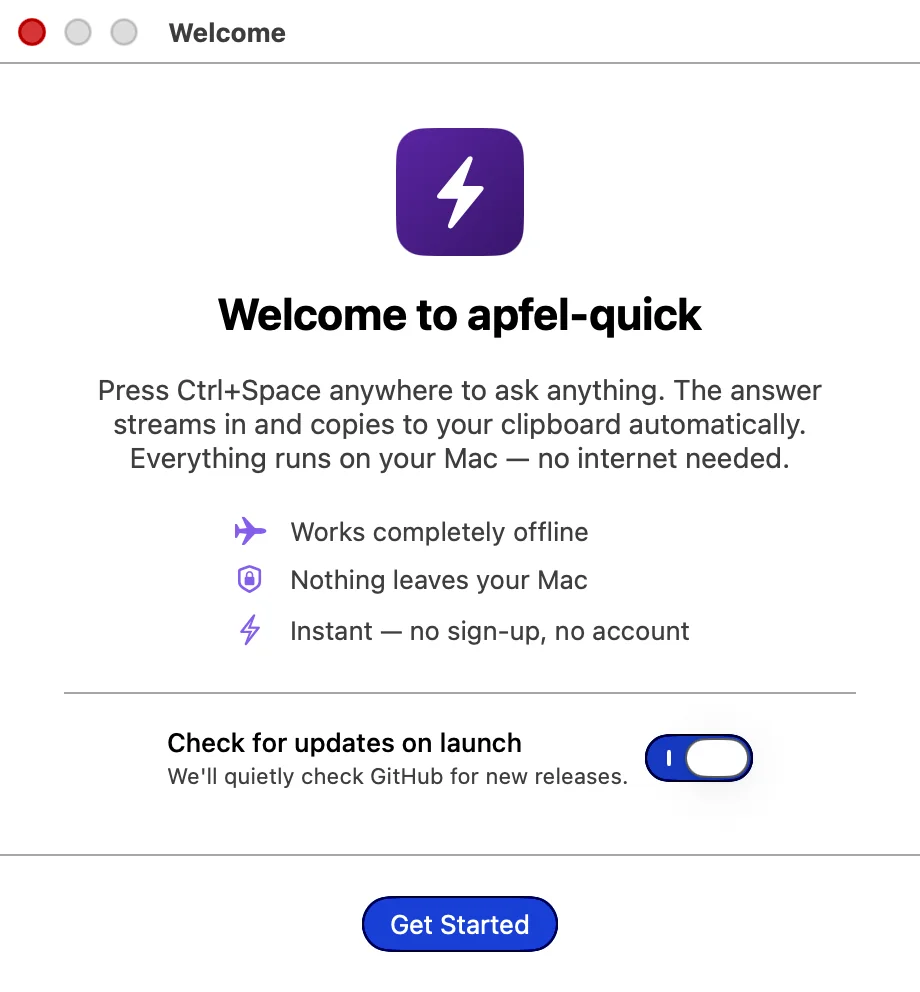
Download the zip, unzip, drag apfel-quick.app to your Applications folder, and open it. The first-run welcome explains the rest.

Download v1.0.0

Homebrew

Best for developers. Stays up to date with brew upgrade apfel-quick and uninstalls cleanly.

brew install Arthur-Ficial/tap/apfel-quick

Building from source? Clone the repo at github.com/Arthur-Ficial/apfel-quick and run make install.

Under the hood

Powered by apfel.

apfel-quick is a tiny native overlay built on top of apfel, an open-source CLI and OpenAI-compatible server that wraps the on-device foundation model on your Mac. apfel handles inference. apfel-quick handles the hotkey, the overlay UI, the streaming, the clipboard, and the local math shortcut.

Need a full multi-conversation chat app instead? Try apfel-chat, the sister app with persistent history, voice input, and image analysis.

Free and open source.

MIT-licensed. Use it, fork it, ship it. Bug reports, pull requests, and feature ideas all welcome.